Statsig alternative (2026): Feature flags vs Shopify CRO
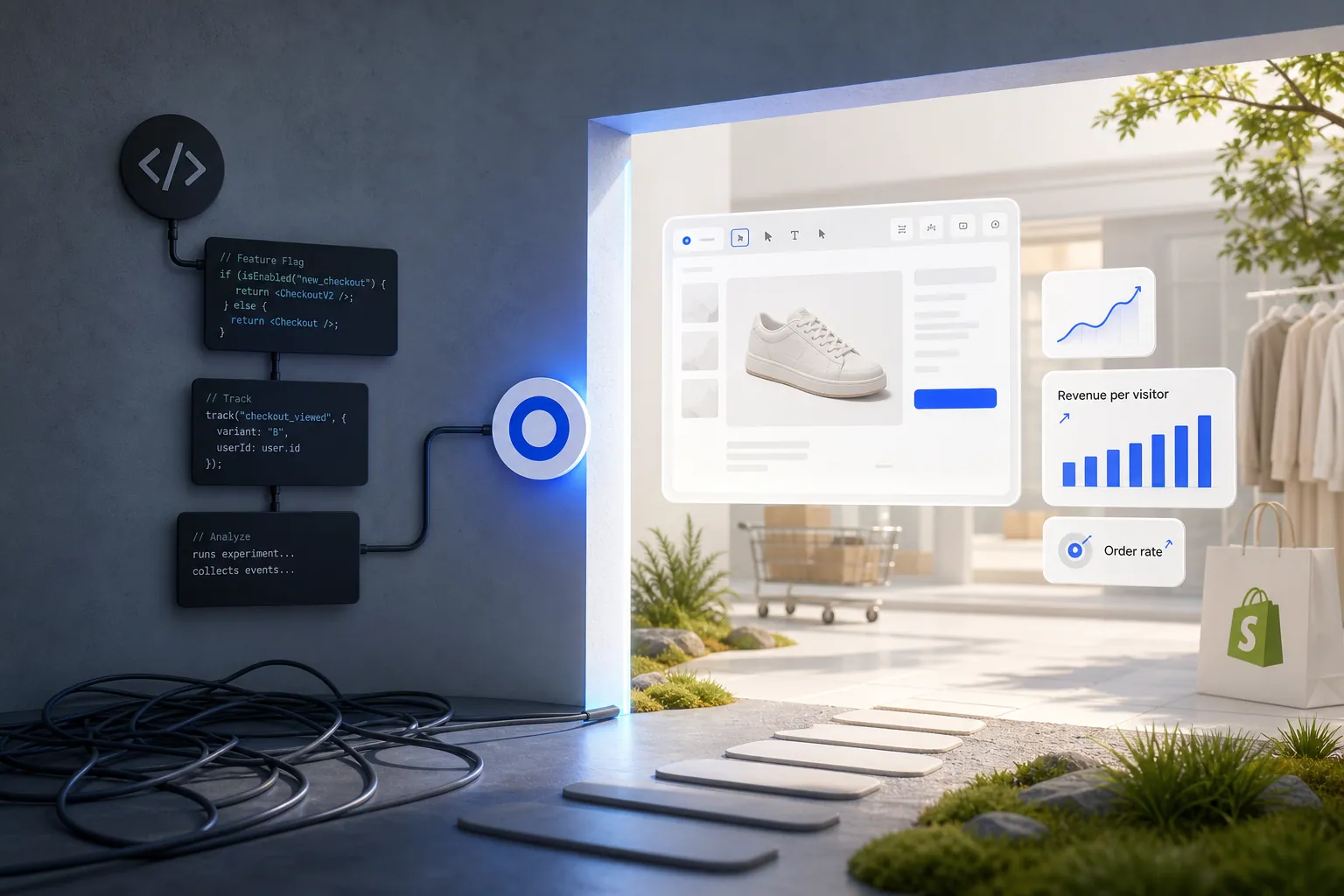
Statsig is a feature flag and experimentation platform built for product and engineering teams, with SDK-based tests, built-in analytics, and advanced statistics like CUPED. Omniconvert Explore is built for the eCommerce store: native Shopify experiments on product, cart, and checkout, no SDK required, measured in revenue per visitor. Different jobs, rarely overlapping.
- Statsig is a feature flag and experimentation platform for product and engineering teams, with a 4.7 out of 5 G2 rating across 340+ reviews. [G2, 2026]
- Statsig couples feature releases to built-in product analytics and supports advanced methods like CUPED and sequential testing.
- Statsig has no visual editor, no native Shopify integration, no multivariate testing, and frames results in engineering event counts rather than revenue per visitor.
- Omniconvert Explore runs experiments on Shopify product, cart, and checkout pages without SDK work, and measures results in revenue per visitor.
- The two rarely compete: many teams run Statsig for backend product experiments and Explore for storefront CRO on the same store.
Teams comparing Statsig vs Omniconvert Explore are usually asking two different questions dressed as one. Statsig is a developer-first feature flag and experimentation platform that couples releases to product analytics, well-liked by engineering teams for CUPED and sequential testing. Omniconvert Explore is a Shopify-native CRO platform that runs experiments on product, cart, and checkout without SDK work, and measures the outcome in revenue per visitor. This page explains where each fits and where they never really compete.
What is Statsig, and what does it actually do?
Statsig is a feature flag and experimentation platform for product and engineering teams. It ties feature releases to a built-in product analytics layer, so every rollout ships with automatic measurement. Its A/B tests run through SDKs, with support for advanced methods like CUPED and sequential testing. [Statsig, 2026]
Statsig is highly rated in its category, with a 4.7 out of 5 rating on G2 across more than 340 reviews. [G2, 2026] The product is a favorite among product managers and engineers because it collapses feature flags, gradual rollouts, and experimentation into one workflow, backed by an analytics layer that automates most of the measurement setup.
The category Statsig sits in is developer-first experimentation. Tests are defined in code, exposures fire from SDKs on server or client, and results flow into dashboards built for engineering teams. That focus is the point of the product.
The question this page answers is narrower: is developer-first feature flag experimentation the same job as running conversion experiments on a Shopify store? And if not, where is the gap?
Feature flag experimentation means the platform ships a code-level toggle that gates a feature, gradually exposes it to a percentage of users through an SDK, and measures the impact through instrumented events. It is powerful for engineering-driven releases. It is a separate concern from whether a test can run on a Shopify product page without touching code.
Where Statsig is genuinely strong
- Feature flags plus analytics in one place: every release comes with automatic measurement, no separate analytics stack required.
- Advanced statistical methods: CUPED and sequential testing improve sensitivity and let teams call results faster.
- Generous free tier: product and engineering teams can start without a procurement cycle.
- Scales for engineering-driven programs: handles high-throughput server-side experiments across large product surfaces.
Where Statsig hits its ceiling for an eCommerce store
- No visual editor: every experiment requires code changes and SDK wiring, which locks marketing and CRO teams out of self-serve testing.
- No native Shopify integration: product page, cart, and checkout tests need custom implementation by an engineer.
- No multivariate testing: classic A/B is supported, but full MVT designs are not.
- Engineering-event framing: results are expressed in event counts and product metrics, not revenue per visitor or order rate.
None of this makes Statsig a weak product. It makes it an engineering tool. The friction shows up specifically when the site under test is a Shopify store and the team running experiments does not have a dedicated engineer on standby for every hypothesis.
What Statsig cannot do for an eCommerce store
Statsig is an engineering-first feature flag and experimentation tool. It has no visual editor and requires SDK implementation for every experiment, so tests on Shopify product pages and checkout flows cannot ship without a developer, and results are not framed in eCommerce revenue terms. That is the gap an eCommerce-first platform closes.
Omniconvert Explore is built for the layer Statsig leaves open. Statsig can gate any feature well, but a store does not need every feature gated; it needs the product page, the cart, and the checkout tested, and the result expressed in revenue per visitor. Those are not the same task.
Most developer-first experimentation tools are built around a generic exposure event and a generic product metric. They optimize the execution of a release. They are not built around the surfaces where eCommerce revenue is actually won or lost, or around the metric a store runs on.
eCommerce CRO is the practice of running controlled experiments on the revenue surfaces of an online store, product pages, cart, and checkout, and measuring the result in revenue per visitor and order rate rather than generic conversion rate. Omniconvert Explore is defined as an eCommerce conversion rate optimization platform for product, cart, and checkout experiments, native to Shopify and priced for store traffic.
What Statsig cannot tell an eCommerce team
- Did the win move revenue. Whether a winning variant actually raised revenue per visitor and order rate, not just an exposure event or a product metric.
- Which surface to test first. Which pages in the Shopify funnel (product, cart, checkout) carry the highest revenue impact if tested next.
- How it behaves in checkout. How an experiment interacts with the Shopify catalog, variants, and checkout flow natively, without an engineer wiring SDK exposures.
- Whether it holds for valuable customers. Whether the result holds for repeat, high-value customers, the Customer Value Optimization question, not just first-session traffic.
Across the 7,000+ eCommerce websites in Omniconvert's CROBenchmark Report 2026, the stores testing fastest are the ones where a marketer or CRO lead can launch a product page or checkout experiment the same week it is proposed; Statsig's SDK-first model pushes that work into the engineering backlog, and the benchmark shows testing cadence drops sharply when every experiment needs a developer ticket. [CROBenchmark Report 2026, Omniconvert]
Explore runs the experiment on the store's real revenue surfaces and reports the outcome in revenue per visitor. AliveCor used Omniconvert Explore to run a structured A/B testing program and achieved +21% conversion rate, +5% revenue per visitor, and 94% statistical relevance across their experiments. [Omniconvert, AliveCor case study]
Statsig vs Explore: the capability comparison
Side by side, Statsig and Explore share almost no overlap in daily job. Statsig gates features from code and reports in product metrics. Explore ships Shopify-native experiments on product, cart, and checkout, adds surveys and overlays, and reports in revenue per visitor. Where they touch is server-side testing, and the fit still splits by team.
| Capability | Statsig | Omniconvert Explore |
|---|---|---|
| Primary function | Feature flags and SDK-based experimentation for product and engineering teams | eCommerce CRO on product, cart, and checkout pages |
| A/B testing | Yes SDK-based, no visual editor | Yes visual editor plus code editor |
| Multivariate testing | No | Yes |
| Server-side testing | Yes | Yes |
| Visual editor | No code required for every test | Yes no developer required |
| On-site surveys and overlays | No not part of the product | Yes surveys and overlays built in |
| Shopify integration | Low no native app, engineering required | Yes native |
| eCommerce focus | Low built for product and engineering releases | High built for store revenue workflows |
| Pricing model | Seat-based, free tier available, free trial | Session-based, built for store traffic, free trial |
| Best for | Product and engineering teams running feature flag experiments with built-in analytics | Shopify and eCommerce teams optimizing product, cart, and checkout for revenue |
| User rating | 4.7 out of 5 (G2, 346 reviews, as of 2026) | 4.6 out of 5 (G2, 191 reviews, as of 2026) |
Competitor pricing and plan details reflect publicly listed figures as of 2026 and can change. Explore uses session-based pricing; see the Omniconvert pricing page for current plans.
Get the full CROBenchmark data behind these stats: 7,000+ websites, 15+ industries, 248+ audit criteria, 100+ CRO experts. See exactly where eCommerce growth teams are losing margin in 2026.
Get the CROBenchmark ReportFrequently Asked Questions
Should you choose Explore over Statsig?
If your experiments run on a Shopify store and need product page, cart, and checkout tests without writing SDK code, choose Explore: it measures revenue per visitor and ships surveys and overlays built in. If your engineering team needs feature flag management with built-in analytics for product releases, Statsig is purpose-built for that. The two rarely compete; many teams run Statsig for backend product experiments and Explore for storefront CRO.
Statsig earns its high ratings. It is fast, developer-friendly, statistically strong, and generous on the free tier, which is exactly what product and engineering teams running feature-flagged rollouts want.
The question for a store is narrower: are the experiments that move revenue running natively on the product, cart, and checkout pages, without a developer ticket, and are they measured in revenue per visitor. That is the surface Explore is built for.
Stop guessing.
Start testing what moves revenue.
Explore runs A/B, multivariate, and personalization experiments on your product pages, cart, and checkout, then measures the outcome in revenue per visitor, not just clicks.
4.6 out of 5 across 191 reviews, G2 , as of 2026