Bounce Rate vs Exit Rate: Key Differences (2026)

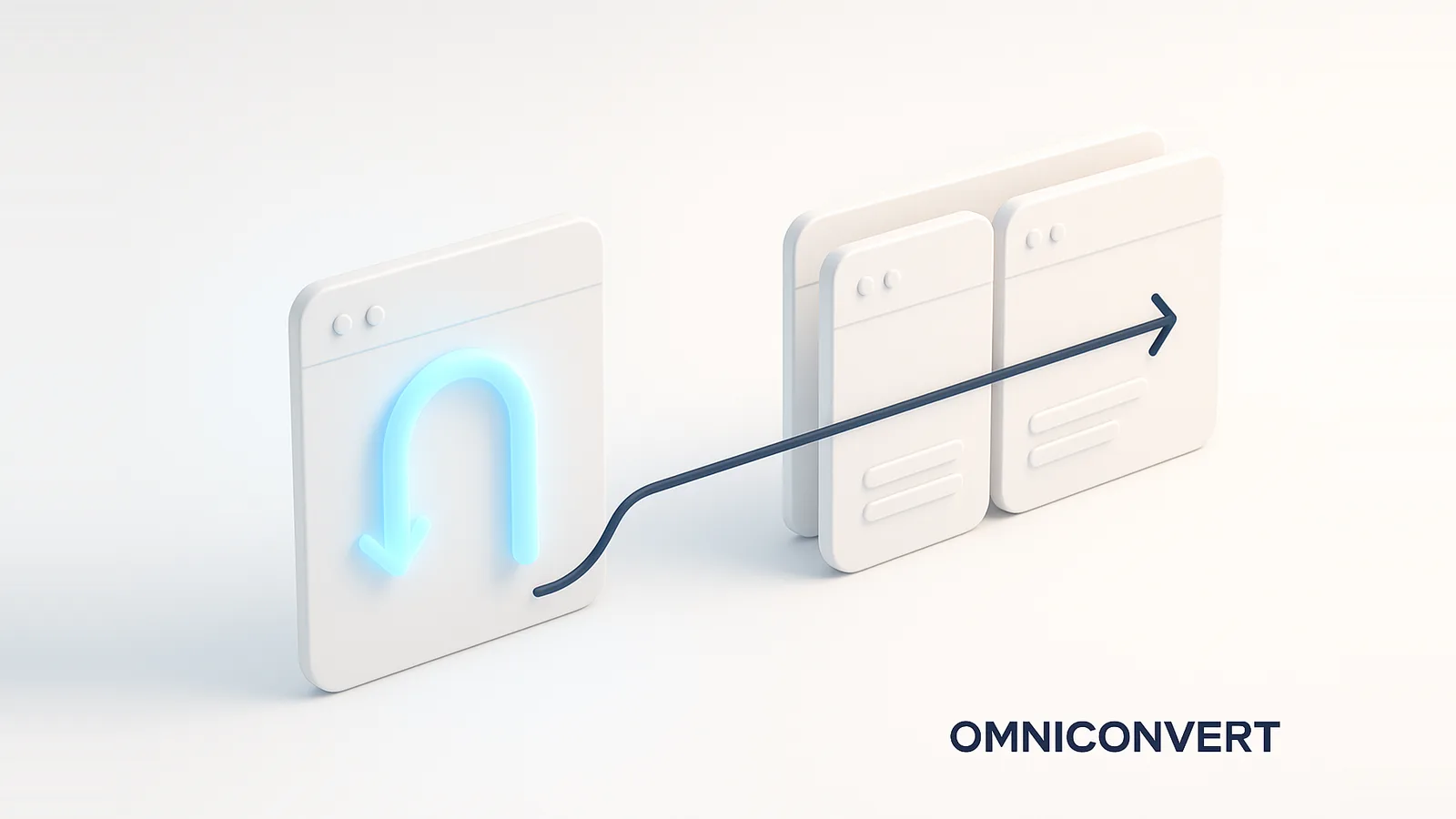
- Bounce rate counts single-page visits that leave with no interaction; exit rate counts the last page of any session, even after several pageviews.
- Every bounce is an exit, but not every exit is a bounce. Bounce judges entry pages; exit finds drop-off points within a journey.
- Neither has a universal good number. It depends on page type and intent, so benchmark against your own trend and by segment.
- Reduce bounce with speed, intent-matched content, a strong above-the-fold, and early CTAs; reduce exit with navigation, support, and simpler flows.
- Don't guess why visitors leave. Omniconvert Explore shows where and why with heatmaps and surveys, then A/B tests the fix.
Bounce rate and exit rate both measure visitors leaving your site, but they answer different questions, and confusing them leads to fixing the wrong page. Bounce rate is the percentage of visitors who land on a page and leave without any further interaction. Exit rate is the percentage of visits to a page that were the last page in the session, regardless of how many pages came before. The distinction sounds small but changes what you do about it, and Omniconvert has analyzed where pages lose visitors across the CROBenchmark dataset of 7,000+ websites in 15+ industries, against 248+ audit criteria, over 13 years in eCommerce [CROBenchmark Report 2026, Omniconvert].
Omniconvert Explore is the conversion rate optimization platform that shows where and why visitors leave, with heatmaps and on-site surveys, and lets you A/B test the fix without a developer, averaging a 23.2 percent conversion uplift across 70,000+ experiments. This guide defines both metrics, explains the key difference and why each matters, and gives practical strategies to reduce bounce rate and exit rate.
What is bounce rate?
A bounce is a one-and-done visit: the visitor arrives, sees the page, and leaves without clicking, scrolling into a tracked event, or moving to a second page. Historically bounce rate was defined purely as single-page sessions, but Google Analytics 4 reframed it around engagement. In GA4, a session is engaged if it lasts at least 10 seconds, fires a conversion event, or has two or more pageviews, and bounce rate is simply the inverse: the share of sessions that were not engaged.
Because it is tied to the entry page and the first few seconds, bounce rate is a measure of first impressions. A high bounce rate usually points to one of a few causes: the page was too slow, the content did not match what the visitor expected from the ad or search result, or the page failed to make the next step obvious. It is the metric you watch to judge whether your entry pages earn a second action.
What is exit rate?
Exit rate looks at endings rather than beginnings. For any given page, it asks: of all the times this page was viewed, how often was it the last thing the visitor saw before leaving? A page can have a high exit rate even if no one bounced on it, because the visitors counted may have browsed several pages first and simply chose to leave from this one.
That makes exit rate the natural metric for analyzing a funnel or journey. A high exit rate on a thank-you page is expected and healthy. A high exit rate on a checkout step, a pricing page, or the middle of a flow is a warning sign, marking the point where people decide to abandon. Read exit rate page by page within a path to find exactly where the journey loses people.
Bounce rate vs exit rate: the key difference
The cleanest way to hold the two apart: bounce rate is about arrival, exit rate is about departure. Every bounce is an exit, since a bounced visitor did leave from that page, but most exits are not bounces, because the visitor engaged with other pages first. The table below puts them side by side.
| Bounce rate | Exit rate | |
|---|---|---|
| What it measures | Single-page visits that leave with no interaction | The last page of any session, after any number of pages |
| Formula | Bounced sessions ÷ total sessions × 100 | Exits ÷ pageviews × 100 |
| Best for judging | Entry pages and first impressions | Drop-off points within a journey or funnel |
| A high value signals | Slow load, mismatched intent, weak first screen | Friction or a natural endpoint on that page |
The practical takeaway: when you want to know whether a landing page earns attention, look at bounce rate. When you want to know where a multi-step journey loses people, look at exit rate. Using the wrong one sends you optimizing a page that was never the problem.
Why bounce and exit rates matter, and what is a good number
These metrics matter because they are leading indicators of lost conversion: a visitor who bounces or exits never reaches the goal. Speed is a big part of the story, with Google reporting that 53 percent of mobile visits are abandoned if a page takes longer than three seconds to load [Google]. But the numbers only mean something in context.
That is why chasing a generic benchmark is a trap. A blog post or help article with a high bounce rate may be perfectly successful, the reader got their answer, while the same rate on a product page is a problem. Instead of an industry average pulled from a different business, use the benchmarks that actually guide decisions:
- Your own trend: is this page's bounce or exit rate rising or falling over time, controlling for seasonality and traffic mix?
- By segment: the same page can bounce very differently by device, source, and new versus returning, and the gap is where the insight lives.
- By page type and intent: compare entry pages to entry pages and checkout steps to checkout steps, never a blog post to a product page.
For the wider context of reading these metrics together, see conversion rate analysis, and for judging changes fairly, statistical sampling.
Strategies to reduce bounce rate
Bounce is won or lost in the first impression, so the highest-impact fixes happen at the top of the page and in the first seconds:
- Improve page load speed: the single biggest lever, since visitors abandon slow pages before they see anything. Compress images, reduce scripts, and prioritize the first screen.
- Align content with intent: make the page deliver exactly what the ad, link, or search result promised, so arriving visitors instantly recognize they are in the right place.
- Optimize the above-the-fold: lead with a clear headline, value, and visual that confirm relevance without scrolling. See above the fold design.
- Add clear CTAs early: give engaged visitors an obvious next step near the top, so interest converts into a click before attention fades.
Strategies to reduce exit rate
Exit rate is about keeping momentum in a journey, so the fixes focus on the next step and on removing friction at the point of departure:
- Strengthen internal linking and navigation: make the logical next step obvious on every page, so visitors who are still interested are not left at a dead end.
- Add support prompts on high-exit pages: live chat or a timely prompt can catch hesitation on the exact pages where people stall and answer the question that would otherwise end the visit.
- Simplify checkout and forms: on the high-exit steps of a flow, cut fields and friction. For the deeper playbook, see checkout optimization.
- Deliver engaging bottom-of-page content: related products, content, or social proof lower on the page give a reason to continue rather than leave.
For all of this, the order is the same: see where visitors leave, learn why, then test the fix. Heatmaps and session recordings show where attention dies, on-site surveys capture the reason, and an A/B test proves the change worked. While Omniconvert Explore handles that testing loop on the page, Nexus by Omniconvert is the AI eCommerce growth engine that turns the customer and profit data behind those visits into ranked actions, so reducing a bounce or exit feeds the next prioritized growth move rather than ending as a one-off fix.
Frequently Asked Questions
Bounce rate is the percentage of visitors who land on a page and leave without any further interaction, no second pageview, no meaningful event, no engagement. In Google Analytics 4, a session counts as a bounce when it lasts under 10 seconds, has no conversion event, and includes only one pageview. The formula is bounced sessions divided by total sessions, times 100. A bounce is a one-and-done visit, so bounce rate measures how often your entry pages fail to earn a second action.
Exit rate is the percentage of visits to a page that were the last page in the session, regardless of how many pages the visitor saw before it. It is calculated as exits from a page divided by total pageviews of that page, times 100. Unlike bounce rate, exit rate counts visitors who engaged with several pages first, so it tells you which page people tend to leave from within a journey, not whether they left immediately on arrival.
The difference is context. Bounce rate only counts single-page sessions where the visitor left without interacting, so every bounce is also an exit, but not every exit is a bounce. Exit rate counts the last page of any session, including visitors who browsed several pages first. Bounce rate measures immediate, no-engagement departures on entry pages, while exit rate shows where people leave within a wider journey. Use bounce rate to judge entry pages and exit rate to find drop-off points in a flow.
There is no single good bounce rate, because it depends on the page type, traffic source, and intent. A blog post, help article, or contact page can have a high bounce rate and still be doing its job, since the visitor got what they came for. A product or landing page where you want a next action should bounce far less. The useful benchmark is your own trend over time and your rate by segment and page type, not a generic industry average.
No. A high bounce rate is only a problem when the page is meant to drive a further action. On single-purpose pages, such as a blog post that answers a question or a contact page that shows a phone number, a high bounce can simply mean the visitor's intent was satisfied immediately. On pages built to lead somewhere next, like product or category pages, a high bounce signals friction, mismatched intent, or weak content worth investigating with heatmaps and tests.
Reduce bounce rate by improving page load speed, aligning the page content with the intent of the traffic arriving on it, optimizing the above-the-fold area so visitors immediately see they are in the right place, and adding clear, engaging calls to action early. Most bounces come from a mismatch between what the visitor expected and what the page delivers in the first seconds, so speed and relevance matter most. Confirm changes with an A/B test rather than assuming.
Reduce exit rate on a given page by strengthening internal linking and navigation so the next step is obvious, adding live chat or support prompts on high-exit pages to catch hesitation, simplifying checkout and form processes where people drop off, and delivering more engaging content lower on the page to pull visitors deeper. Focus on pages with both high exit rates and high traffic or business value, since those are where reducing exits returns the most.
Omniconvert Explore is the conversion rate optimization platform that helps you understand and reduce bounce and exit rates by showing where visitors leave with heatmaps and session insights, capturing why with on-site surveys, and letting you A/B test fixes to copy, layout, and flow without a developer. Instead of guessing why a page loses visitors, you see the behavior, learn the reason, and test the change, turning a high bounce or exit rate into a measured improvement in conversion.
Open your analytics and pull two lists: your highest-bounce entry pages and your highest-exit pages by traffic. They answer different questions, so treat them differently. For a high-bounce entry page, ask whether the visitor's intent is satisfied on arrival; if the page is meant to lead somewhere, check speed, relevance, and the above-the-fold first. For a high-exit page deep in a flow, especially a checkout or form, look for the friction that makes people quit there. Then resist the urge to fix on instinct: add a heatmap or a quick survey to see where attention dies and why, and A/B test the change. Bounce and exit rates are not goals to minimize blindly; they are signposts pointing at the pages where a little optimization returns the most.
See where visitors leave with Omniconvert Explore
A high bounce or exit rate tells you a page is losing visitors, but not why. Omniconvert Explore shows you with heatmaps and session insights, captures the reason with on-site surveys, and lets you A/B test the fix to copy, layout, and flow, all in one CRO platform. Stop guessing why visitors leave and start measuring what keeps them. Free for up to 50,000 visitors per month, trusted across 70,000+ experiments.