Webflow Optimize alternative (2026): Webflow-Only vs Shopify CRO
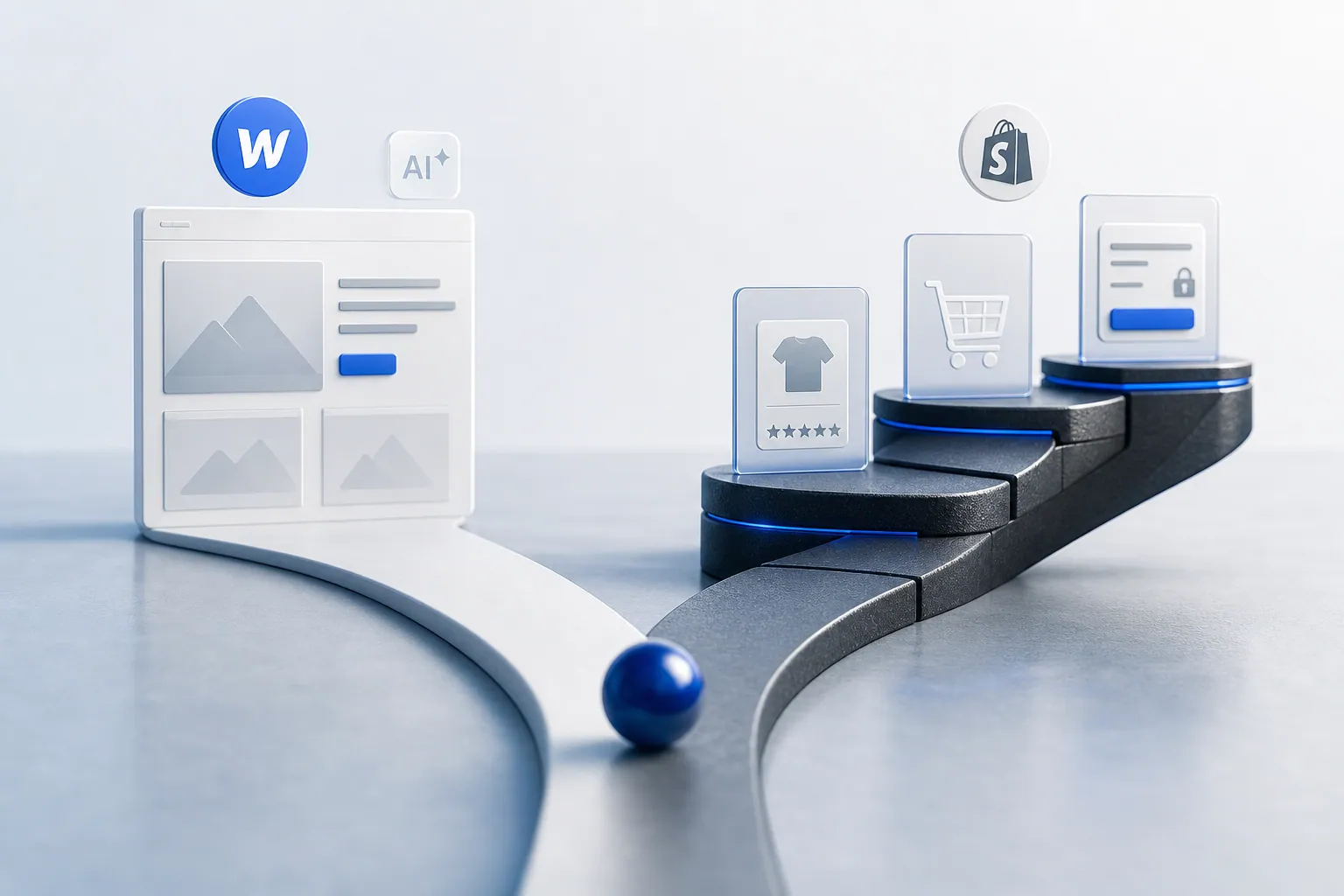
Webflow Optimize is an AI-powered A/B testing and personalization feature built inside the Webflow visual development platform, aimed at designers and marketers already shipping on Webflow. Omniconvert Explore is built for the eCommerce store: native Shopify integration, experiments on product, cart, and checkout, and revenue-per-visitor measurement. They serve different platforms and different jobs entirely.
- Webflow Optimize is an AI-powered A/B testing and personalization feature built inside the Webflow visual development platform, aimed at designers and marketers already shipping on Webflow.
- Webflow Optimize only works on sites built in Webflow: it cannot run on Shopify, WooCommerce, or any store built outside the Webflow platform.
- It does not support server-side testing or multivariate testing, and it cannot run experiments on Shopify product pages, cart, or checkout at all.
- Omniconvert Explore runs experiments on product, cart, and checkout pages natively on Shopify and measures results in revenue per visitor, not clicks.
- Decide by platform: pick Webflow Optimize if your site lives on Webflow, pick Explore if your revenue lives on Shopify.
Teams comparing Webflow Optimize vs Omniconvert Explore are usually deciding how to run experiments on two very different kinds of sites. Webflow Optimize is a Webflow-only feature that lets designers create test variants inside the visual editor and uses AI to route visitors to the right experience. Omniconvert Explore is narrower on purpose: it runs A/B, multivariate, and personalization tests on Shopify product, cart, and checkout pages, and measures the outcome in revenue per visitor. This page covers what Webflow Optimize does well, where it stops for eCommerce, and when to pick one.
What is Webflow Optimize, and what does it actually do?
Webflow Optimize is an AI-powered A/B testing and personalization feature bolted into the Webflow visual development platform. It lets a designer or marketer create test variants directly in the Webflow editor and automatically routes visitors to the variant most likely to convert them, without leaving the platform. [Webflow, 2026]
Webflow Optimize is well regarded inside the Webflow community, with a 4.4 out of 5 rating on G2 across roughly 120 reviews. [G2, 2026] Its appeal is proximity: the team already owns the visual editor, and Optimize turns that same canvas into a testing surface without a second tool or a developer handoff.
The category Webflow Optimize sits in is design-first experimentation for Webflow-built sites. It exists to remove the friction of implementing an outside testing tool on top of Webflow, and it is priced and sold to teams who have already committed to the platform.
The question this page answers is narrower: is a Webflow-only testing feature the same thing as an experimentation platform for a Shopify store? And if not, where is the gap?
Webflow Optimize is Webflow's native A/B testing and AI personalization feature. It runs experiments and routes visitors to relevant variants on pages hosted on the Webflow platform. It does not run on Shopify, on WordPress, or on any site built outside Webflow, and it does not reach into a checkout flow.
Where Webflow Optimize is genuinely strong
- Directly inside the Webflow editor: designers and marketers create test variants on the same canvas they build the site on.
- AI-powered personalization: visitors are routed to relevant experiences automatically, without manual audience rules for every variant.
- No second tool to implement: for a Webflow-hosted site there is no snippet, tag manager work, or engineering ticket to ship a test.
- Fits design-led teams: the workflow is aimed at the people already building on Webflow, not at a separate CRO stack.
Where Webflow Optimize hits its ceiling for an eCommerce store
- Webflow-only: the tool cannot run on Shopify, WooCommerce, custom-built stores, or any site outside the Webflow platform.
- No server-side testing: back-end variants, pricing tests, and catalog experiments are outside its scope.
- No multivariate testing: the product is built around A/B and AI routing, not full MVT designs.
- No reach into checkout: Webflow-hosted marketing pages can be tested; a Shopify product page, cart, and checkout cannot.
None of this makes Webflow Optimize a weak product. It makes it a Webflow-native feature. The friction shows up specifically when the site under test is a Shopify store and the metric that matters is revenue per visitor across product, cart, and checkout, not a click on a Webflow-hosted marketing page.
What Webflow Optimize cannot do for an eCommerce store
Webflow Optimize only works on sites built in Webflow. It cannot run experiments on a Shopify store's product pages or checkout flow at all, and it is not a competitor for eCommerce CRO teams. It is a design-first testing feature for Webflow sites, so for a Shopify store the question is not which of the two to pick; it is what to use instead.
Omniconvert Explore is built for the layer Webflow Optimize does not reach. Webflow Optimize can test and personalize pages hosted on Webflow, but a Shopify store does not run on Webflow. Its product detail pages, add-to-cart flow, and checkout sequence live on Shopify, and that is exactly the surface Explore was built to test.
Most design-adjacent testing tools are built around the CMS or page builder they ship inside, and around a generic conversion event like a click or a form fill. They optimize the pages the platform hosts. They are not built around the surfaces where eCommerce revenue is actually won or lost, or around the metric a store runs on.
eCommerce CRO is the practice of running controlled experiments on the revenue surfaces of an online store, product pages, cart, and checkout, and measuring the result in revenue per visitor and order rate rather than generic conversion rate. Omniconvert Explore is defined as an eCommerce conversion rate optimization platform for product, cart, and checkout experiments, native to Shopify and priced for store traffic.
What Webflow Optimize cannot tell an eCommerce team
- Did the win move revenue. Whether a winning variant actually raised revenue per visitor and order rate on the store, not a click on a Webflow-hosted marketing page.
- Which surface to test next. Which pages inside the Shopify funnel (product, cart, checkout) carry the highest revenue impact if tested first.
- How it behaves in checkout. How an experiment interacts with the Shopify catalog, variants, and checkout flow natively, without engineering glue work.
- Whether it holds for valuable customers. Whether the result holds for repeat, high-value customers, the Customer Value Optimization question, not just first-session Webflow visitors.
Across the 7,000+ eCommerce websites in Omniconvert's CROBenchmark Report 2026, the checkout is the stage with the largest untested revenue drop-off, and a Webflow-only testing tool cannot reach it on a Shopify store at all. [CROBenchmark Report 2026, Omniconvert]
AliveCor used Explore to run a structured A/B testing program and achieved +21% conversion rate, +5% revenue per visitor, and 94% statistical relevance across their experiments. [Omniconvert, AliveCor case study] That is the outcome shape a store gets when the experiment lives on the product page and checkout, not on a marketing page hosted on a separate platform.
Webflow Optimize vs Explore: the capability comparison
Side by side, Webflow Optimize is deeper on Webflow-native testing and AI personalization inside the visual editor, while Explore is deeper on eCommerce testing. Only Webflow Optimize runs directly inside the Webflow canvas. Only Explore runs experiments natively on Shopify product, cart, and checkout, with server-side testing, multivariate, and on-site surveys built in.
| Capability | Webflow Optimize | Omniconvert Explore |
|---|---|---|
| Primary function | AI-powered A/B testing and personalization inside the Webflow editor | eCommerce CRO on product, cart, and checkout pages |
| A/B testing | Partial Webflow-only, no Shopify support | Yes across product, cart, and checkout |
| Multivariate testing | No | Yes |
| Server-side testing | No | Yes |
| Visual editor | Partial only inside the Webflow canvas | Yes no developer required |
| On-site surveys and overlays | No | Yes surveys and overlays built in |
| Shopify integration | No Webflow-only, no Shopify reach | Yes native |
| eCommerce focus | Low designed for Webflow marketing sites | High built for store revenue workflows |
| Pricing model | Seat-based, contact sales, free trial | Session-based, built for store traffic, free trial |
| Best for | Design and marketing teams building on Webflow who want to run experiments without leaving the platform | Shopify and eCommerce teams optimizing product, cart, and checkout for revenue |
| User rating | 4.4 out of 5 (G2, 120 reviews, as of 2026) | 4.6 out of 5 (G2, 191 reviews, as of 2026) |
Competitor pricing and features reflect publicly listed information as of 2026 and can change. Explore uses session-based pricing; see the Omniconvert pricing page for current plans.
Get the full CROBenchmark data behind these stats: 7,000+ websites, 15+ industries, 248+ audit criteria, 100+ CRO experts. See exactly where eCommerce growth teams are losing margin in 2026.
Get the CROBenchmark ReportFrequently Asked Questions
Should you choose Explore over Webflow Optimize?
If your store runs on Shopify, Webflow Optimize is not the tool: it does not work on Shopify at all. Choose Explore for product, cart, and checkout experiments measured in revenue per visitor. If your marketing site or brand pages live on Webflow and you want to test them without a second stack, Webflow Optimize is the fit for that surface. Many brands have both, and use each on its own platform.
Webflow Optimize earns its standing with design-led teams already shipping on Webflow. It sits inside the visual editor, adds AI personalization on top, and removes the friction of implementing a separate testing tool on a Webflow-hosted site.
The question for an eCommerce team is narrower: are the experiments that move revenue running natively on Shopify product, cart, and checkout, and are they measured in revenue per visitor. That is the surface Explore is built for, and it is not a surface a Webflow-only tool can reach.
Stop guessing.
Start testing what moves revenue.
Explore runs A/B, multivariate, and personalization experiments on your product pages, cart, and checkout, then measures the outcome in revenue per visitor, not just clicks.
4.6 out of 5 across 191 reviews, G2 , as of 2026