AI UGC Generator for Shopify: From Product Page to Live Ad

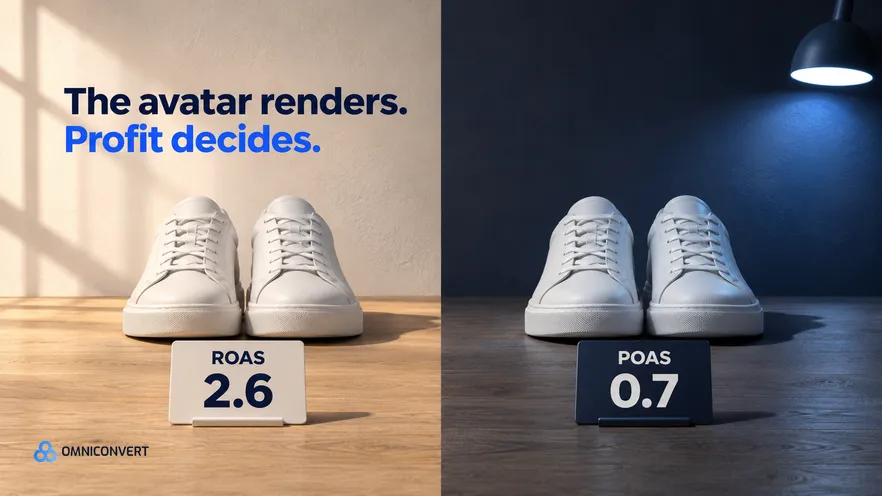
- An AI UGC generator replaces the shoot and nothing else: it does not pick the angle, check the claims or read the result.
- A Shopify product page holds facts and photos, not the customer reason to buy, so the angle has to come from customer data.
- Choose an avatar or a creator by the claim: product facts suit an avatar, a first-person experience needs a real person who had it.
- Run a claim check on every script line before render, and read each ad platform's current AI-content rules on launch day.
- Name each ad by angle, presenter and hook, and change one at a time, or the result cannot tell you which one worked.
- Judge AI UGC ads on profit per ad after returns and discounts, because ROAS can stay green on an ad that loses money.
- Omniconvert Commander ranks angles by CLV, writes video concepts and scripts, and measures True Profit per ad. It does not render avatars, clone voices or produce finished video.
An AI UGC generator turns a script or a product link into a creator-style video ad, and for a Shopify brand the render is the easy part. The hard part sits around it: which customer reason goes in the script, who may honestly say it, and how you tell a profitable ad from a busy one.
Across the brands I have seen add a tool like this, the team buys the render and skips the decision. The definition is in what an AI UGC video ad generator is, and the ranking is in the best AI UGC ad generators. The workflow between the two starts with the input.
I have a stake, so here it is up front. Omniconvert Commander (formerly Nexus) is Omniconvert's AI eCommerce growth engine for Shopify. It pulls data from your store, ads, and customer records, ranks every opportunity by its profit impact, and produces ready-to-approve campaigns. You control what goes live. It stops before the render. It decides which angle is worth briefing and measures what the ad earned.
How does an AI UGC generator take a Shopify product page to a live ad?
An AI UGC generator is defined as software that renders a creator-style video ad, usually a synthetic presenter with an AI voice, from a script or a product link. It replaces the shoot. A tool can start from nothing more than your product URL, so the input decides everything.
A product page holds facts, photos and benefit copy. It does not hold the reason a customer buys, or say which customers are worth acquiring. A tool that reads only the page writes a competent ad about the page. Whether anyone wants that ad is the question to answer first.
Who does what: you, the UGC tool and Omniconvert Commander
| Step | What goes in | Who does the work | What you check |
|---|---|---|---|
| 1. Pick the input | One product, one customer reason, the facts behind it | You, with Omniconvert Commander ranking angles by CLV | The reason comes from customer data, not page copy |
| 2. Write the script | Hook, claim, proof, offer | You, or Omniconvert Commander drafting video concepts and scripts | Every claim traces to a source |
| 3. Render the presenter | Script, presenter, voice | A UGC tool or a real creator | The presenter may honestly say each line |
| 4. Check trust and labels | The draft video and its claims | You | Product accuracy, disclosure, platform rules |
| 5. Launch | The approved file and a naming scheme | You, in Ads Manager | Names carry angle, presenter and hook |
| 6. Measure | Spend, orders, refunds and costs per ad | Omniconvert Commander, in True Profit per ad | Its scale, hold, reduce or kill call, which you approve |
Six steps to AI UGC ads, from product page to live
- Pick one angle as the input. Choose one product and one customer reason to buy it, taken from reviews, support tickets and order data. Page copy is a source of facts, not of reasons.
- Write the script around that angle. Use one hook, one claim, one proof and one offer. Trace each claim to the product page, a customer's own words or a test you ran.
- Choose an avatar or a creator by the claim. Product facts, offers and how-it-works scripts suit an AI avatar. A first-person experience or a visible result needs a real person who had it.
- Check trust, disclosure and product accuracy. Cut any claim a synthetic presenter cannot honestly make, show the product as it ships, and read each ad platform's current AI-content rules before upload.
- Launch with names that carry the test. Put the angle, the presenter and the hook in each ad name, change one of them at a time, and upload the approved file in Ads Manager.
- Read the result in profit. Compare ads on True Profit after returns, discounts and costs, not on ROAS or views, then scale, hold, reduce or kill each one.
For step 1, ad creative from customer reviews shows how to code reviews into themes. The complete guide to AI ad creative generation gives the wider picture. Once one script works, ad creative variations at scale covers how many versions are worth making.
What do AI avatar ads need to pass before they go live?
The presenter in AI avatar ads never used the product, so a line such as "this cleared my skin" is a claim nobody made. In August 2024 the FTC finalised a rule on fake reviews and testimonials. It covers testimonials that misrepresent they come from someone who does not exist, such as AI-generated ones [FTC, 2024]. Ask counsel before a synthetic presenter says anything in the first person.
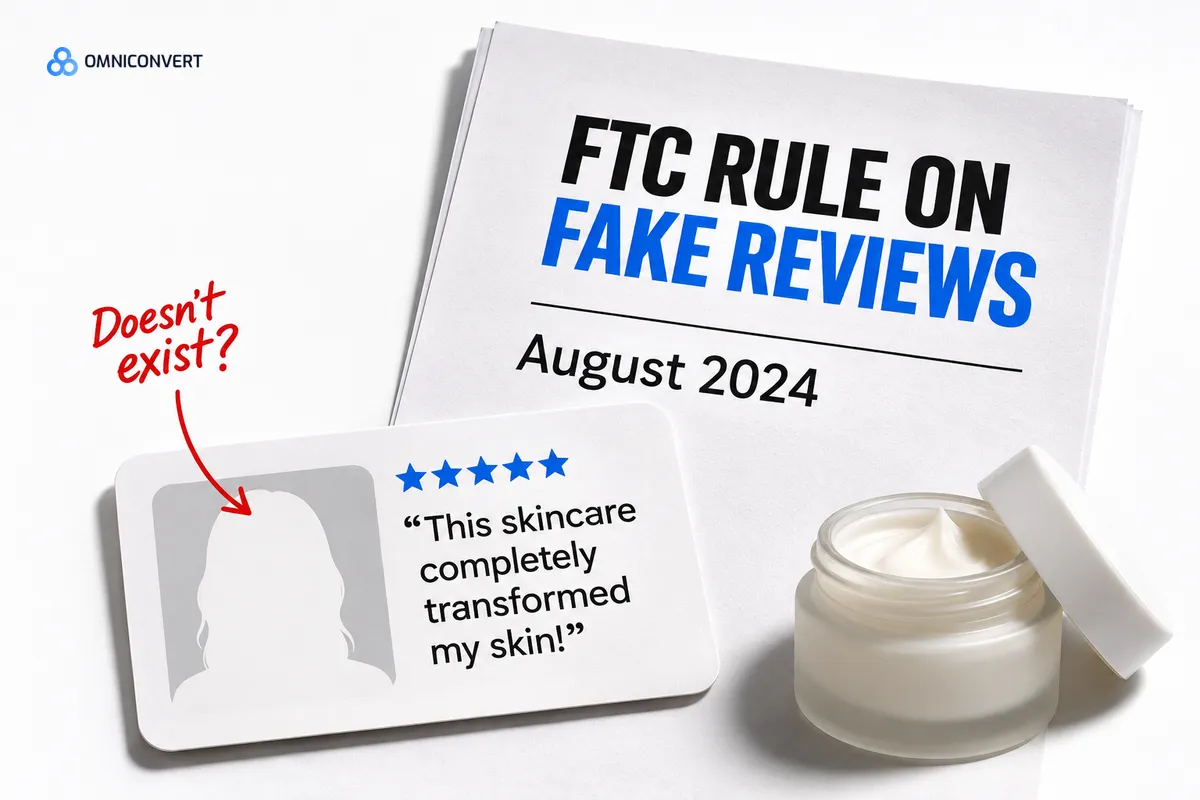
The check I ask for is a claim check. A claim check is defined as reading every sentence of the script and naming who could truthfully say it and what proves it. If the answer is "nobody", the line goes.
One more check concerns the product. Show the colour, size and packaging as the customer will receive them, because a hopeful render becomes a return.
What goes wrong when a product URL becomes a testimonial?
The tool turns benefit copy into a script and, to sound like UGC, rewrites it in the first person: "I have used this for a month and it changed my mornings." Nobody did. The draft reads well, so it ships.
Three costs follow. The line may fall under the testimonials the FTC rule targets. Buyers who arrive on an overstated promise return the product, and returns come off your profit. And every variant carries the same invented line, so the result cannot say whether the angle or the fake voice drove it. The fix is step 3: keep first-person lines for real people and give the avatar the facts.
How do you measure an AI UGC ad in profit?
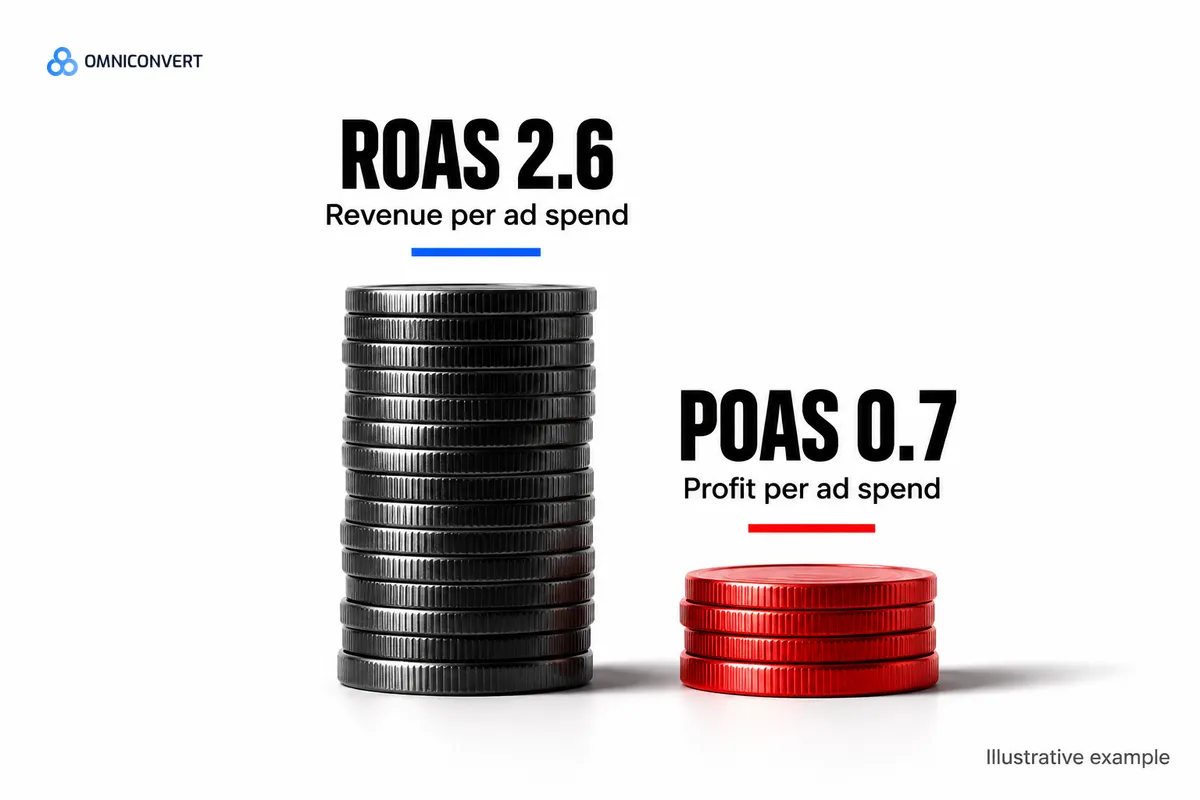
Say an avatar ad shows a ROAS of 2.6 in Ads Manager. After refunds, discounts, cost of goods and fees, its POAS, the profit returned per unit of ad spend, is 0.7. These are illustrative numbers, not data. The ad loses money while the report stays green. True Profit is the measure that catches it.
Testing discipline matters as much as the measure. Change one thing at a time, which is why step 5 puts the angle, the presenter and the hook in the ad name.
A single mobile A/B test of a shorter benefits section on the homepage, run by LEROY MERLIN Romania with Omniconvert, produced a +14.36% conversion rate, +8.43% revenue per user, and a 98.4% chance to win. [Omniconvert, LEROY MERLIN Romania case study]
If a competitor already owns your angle, take their ad apart before you brief anyone: how to deconstruct a competitor ad separates the hook from the angle.
Where Omniconvert Commander fits, and where it stops
We built Omniconvert Commander for the decisions around the render. It unifies store, ad and customer data, builds RFM segments, and ranks creative variants by CLV-weighted angle, so the reason your best customers stay outranks the reason a discount buyer clicked once.
From there it generates launch-ready assets from customer data across 41 AI agents, including video concepts and scripts you can hand to a UGC tool or a creator as the brief. It reconciles against the platforms daily, measures True Profit per ad, and recommends scale, hold, reduce or kill on each one. You approve what goes live.
The presenter is outside its scope: no avatars, no cloned voices, no finished video. If your plan needs a face on camera, you need an avatar tool or a creator, and a ranked angle makes a better brief for either. For the tool-by-tool view, see Omniconvert Commander vs Creatify on video volume.
FAQ: AI UGC generators for Shopify
What is an AI UGC generator?
An AI UGC generator is software that renders a creator-style video ad from a script or a product link, usually with a synthetic presenter and an AI voice. It replaces the shoot. It does not choose the angle, check the claims or tell you whether the ad made a profit.
What are AI avatar ads?
AI avatar ads are video ads where a synthetic presenter, with a generated or cloned voice, speaks a script to camera. They suit product facts, offers and how-it-works scripts. They do not suit a personal experience, because the presenter never used the product.
How do I make AI UGC ads from a Shopify product page?
Pick one customer reason as the input, not the page copy. Write a script where each claim has a source, render it with an avatar or brief a creator, check the claims and labels, launch with clear ad names, and judge each ad on profit. A product link alone gives a tool facts, not a reason.
Do AI UGC ads need a disclosure?
Read each ad platform's current AI-content rules on the day you launch, because they change. The larger risk is the claim. In the US, the FTC rule on fake reviews and testimonials covers testimonials from people who do not exist [FTC, 2024], so keep first-person experience lines away from synthetic presenters.
Should I use an AI avatar or a real creator?
Choose by the claim. An avatar is fast and cheap for hook tests, offers and product facts. A real creator is the honest choice when the proof is a result, a fit or a texture someone must have experienced. Across the brands I have seen, the common pattern is to test hooks with avatars and brief creators on the winners.
How do I know whether an AI UGC ad worked?
I will not give you a benchmark, because I have no sound source for one. Compare the ad with your own other ads on profit after returns, discounts and costs. A cheap render that wins on views and loses on profit has not worked.
Does Omniconvert Commander render AI avatars or UGC video?
No. Omniconvert Commander stops before the render: it has no avatars, no cloned voices and no finished video. It ranks angles by CLV, writes video concepts and scripts from customer data, and measures True Profit per ad. You approve what goes live, and the rendering stays with a UGC tool or a creator.
Angle first, render second
An AI UGC generator saves you a shoot, and that is all it saves. The decisions stay yours: which customer reason goes in the script, who may honestly say it, and whether the ad paid once returns and discounts are counted. Pick the angle from customer data, source every claim, match the presenter to the claim, and read the result in profit. The render then becomes the cheap part it should be.